Hidden Vault Apps: A Parent’s Guide
Look for duplicate calculators, apps using odd amounts of storage, and gallery photos that vanished. Check installed apps in Settings, then talk calmly instead of searching in secret.
| Applies to | Family iPhones and Android phones |
|---|---|
| Time needed | About 15 minutes |
| Difficulty | Easy |
| Cost | Free |
| Needs internet | No |
| Last verified | November 2026 |
For parents and guardians
How to notice a vault app and what to do next
Finding a calculator you do not remember installing is unsettling, and the disguise is exactly why. This guide helps you work out what is on a family device you are responsible for, using the phone’s own settings, and suggests how to approach the conversation. It does not teach anyone to open another person’s vault.
Signs to look for
- Two calculator apps on one phone.
- An app that uses a lot of storage but has no obvious purpose.
- A calculator that asks for a code, or that offers camera, photo or backup options.
- Photos that disappeared from the gallery without being deleted.
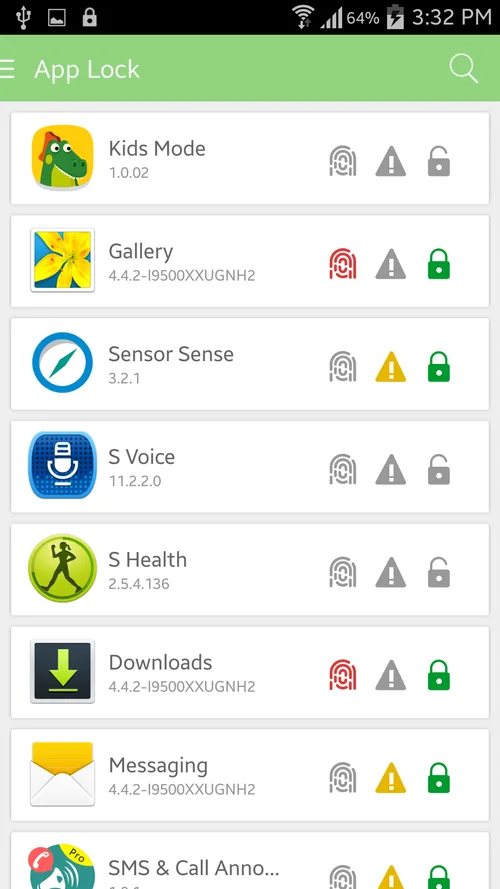
Hidden app finder
A parent’s checklist
Starting the conversation
Lead with safety, not accusation. Say what you saw, ask what it is for, and agree on rules together, such as periodic open device checks and no apps that hide contents from family. Calm questions get honest answers more often than ambushes do.
If you want a technical walkthrough of locating hidden apps on one family of phones, this article on finding hidden apps on Samsung phones covers it. It comes from a company that sells monitoring software, so read it as one perspective and weigh any product pitch carefully.
Transparent alternatives
Privacy tools that are not secret
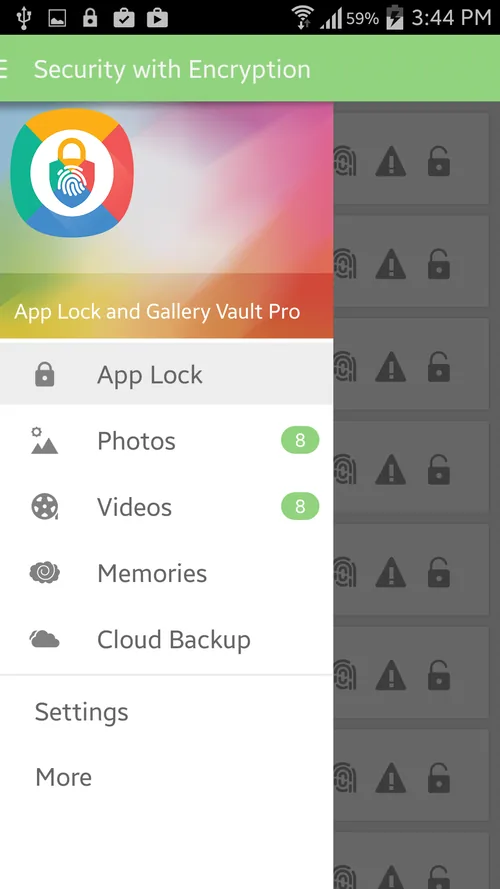
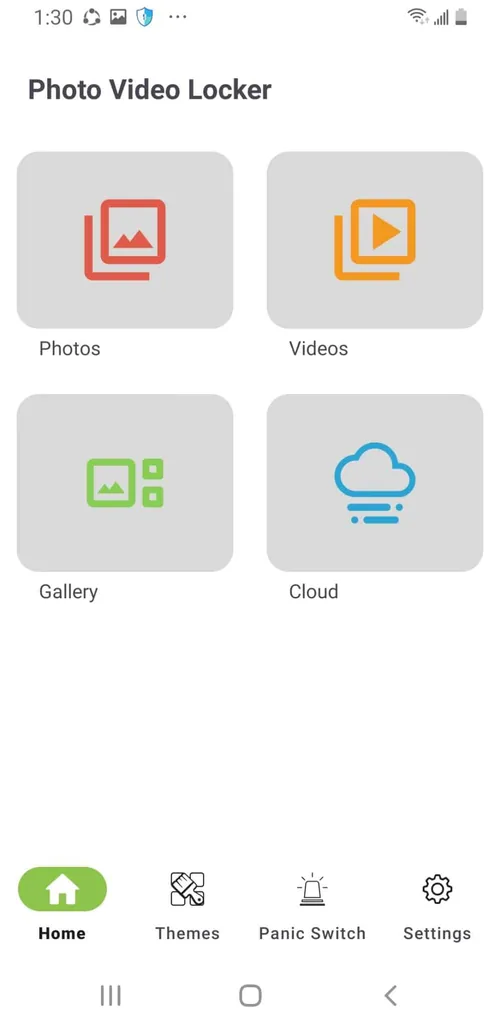
Agree on one
Teens often want somewhere private for ordinary things. A family agreement on an open, known tool is easier to live with than a hidden one. See the free methods on the main guide.
For adults who want a vault themselves, we describe our own Calculator# app, and we point out where the built-in options are simpler. The safety section lists what a vault does and does not protect.
Common question
Questions parents ask about vault apps
What does a calculator vault app look like on a child’s phone?
Usually an app labelled Calculator, sometimes with a slightly different icon, that behaves like a calculator but asks for a code or shows extra options. Two calculators on one phone is the common clue.
Should I search my child’s phone in secret?
A calm conversation usually works better than a secret search. Secret searching can damage trust and may make a child hide things more carefully. Many families agree to open device checks as a household rule.
How can I see which apps are installed on iPhone?
In Settings, open General and iPhone Storage to see apps listed by size, and check the App Library for apps hidden from the home screens. Screen Time can also show app activity.
How can I see installed apps on Android?
Open Settings, then Apps, to see every installed app. Some phones also have a hidden-apps setting in the launcher, so look in the launcher’s settings as well.
Is a vault app always a bad sign?
No. Adults use them for ordinary privacy, and teenagers sometimes use them for harmless reasons. What matters is whether the device rules in your family cover it and whether there is a safety concern.
Keep reading