Calculator Vault for iPhone and Android
iPhone has a Hidden album locked with Face ID or passcode, and Android has Locked Folder in Google Photos. For a disguise, notes and audio, add a vault app such as Calculator# on either platform.
| Applies to | iOS 16+ built-ins, Android 6+ built-ins, vault apps on both |
|---|---|
| Time needed | About 5 minutes |
| Difficulty | Easy |
| Cost | Built-ins free; apps free with optional purchases |
| Needs internet | Only to download an app or back up |
| Last verified | November 2026 |
Platform guide
iPhone and Android: what is available
Both platforms offer a free, built-in way to lock photos, and both have calculator-style vault apps. The difference lies in what the free tool covers and where backups go.
iPhone and iPad
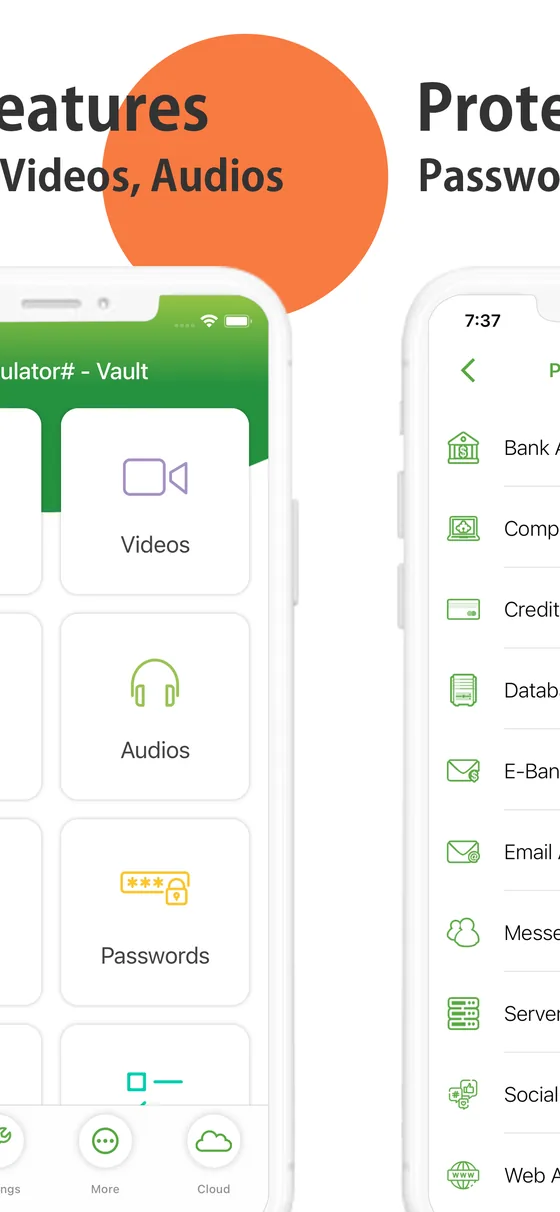
The Hidden album in Photos is locked with Face ID, Touch ID or your passcode on iOS 16 and later. For a calculator-style vault with notes, audio and documents too, see the Calculator# App Store listing, which names several lock types and cloud backup options. Another option is a notes-only app such as the Notes Lock listing.
Android
Google Photos’ Locked Folder needs Android 6 or later with a screen lock. For a vault app that disguises itself, see the Calculator# product page, and for a photo-and-video locker the Photo Video Locker listing. Read the permissions on any Play page before installing.
Beyond photos
Notes, to-dos and passwords
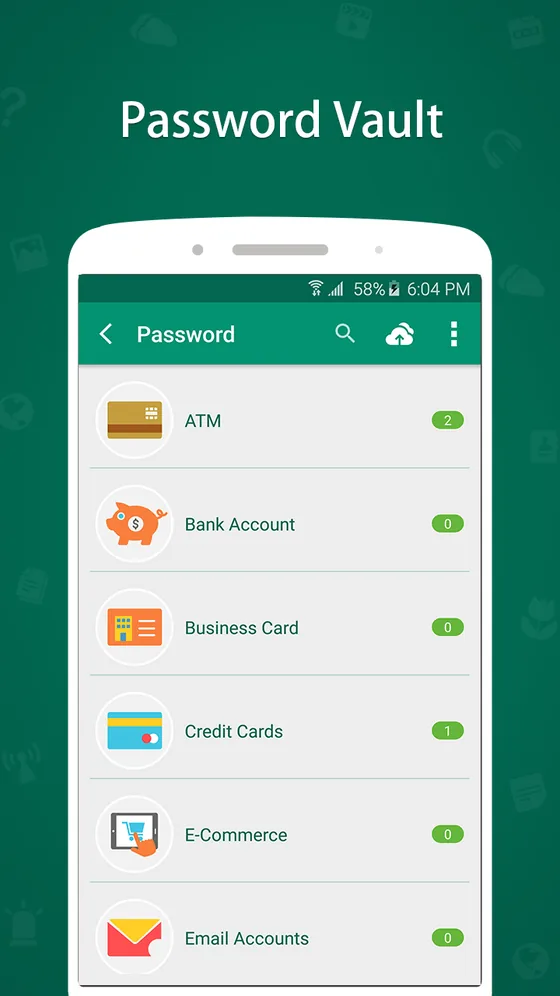
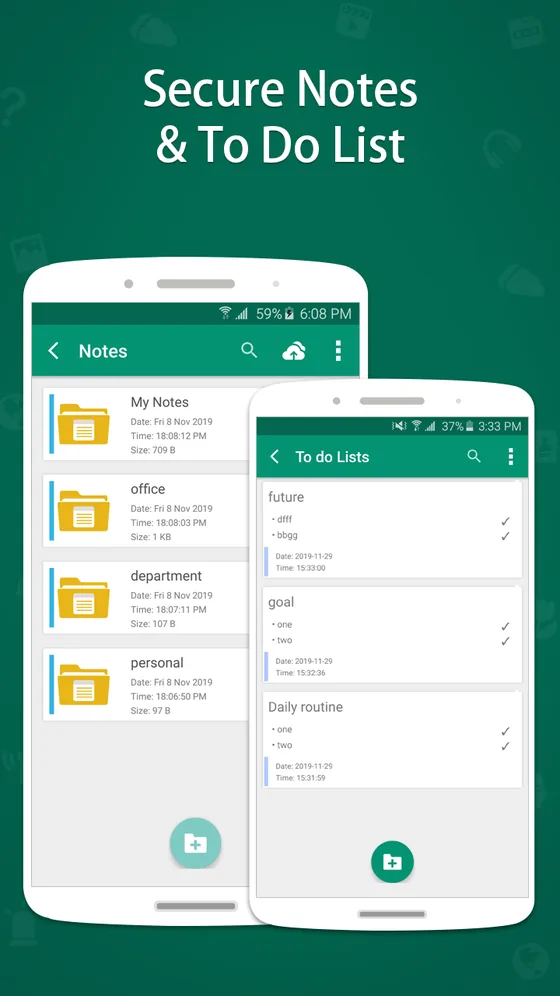
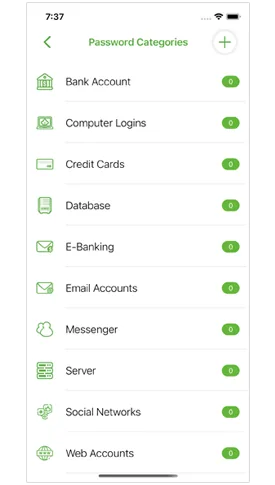
Some vaults also keep passwords and notes. If that matters to you, confirm what each version includes, because iPhone and Android listings can differ.
| Question | iPhone / iPad | Android |
|---|---|---|
| Free built-in option | Hidden album with biometric lock (iOS 16+) | Locked Folder in Google Photos (Android 6+) |
| Calculator-style app | Calculator# and others | Calculator# and others on Google Play |
| Price | Free with optional purchases at time of checking | See the current Google Play listing |
| Backup route | iCloud and other clouds named by the listing | Check the app’s backup screen; Locked Folder is device-only by default |
For which route suits you, use the decision helper on the main guide, and read our backup guide before switching phones.
Common question
Questions about iPhone and Android options
Is there a calculator vault for iPhone?
Yes. Calculator# is listed on the App Store for iPhone and iPad. The built-in Hidden album is a free alternative for photos and videos.
Is there a calculator vault for Android?
Yes. The NewSoftwares.net product page lists Android versions of its vault apps, and Google Play carries many others. Check price and permissions on the Play listing.
Is calculator vault free?
Many are free to install with optional purchases. At the time we checked in November 2026, the Calculator# App Store listing showed a free download with ads and an optional paid version.
Which has better built-in privacy, iPhone or Android?
Both have a free locked option for photos: the Hidden album with Face ID on iPhone, and Locked Folder in Google Photos on Android. Neither is disguised.
Does calculator vault work on Windows?
The calculator-vault apps in this guide are for phones. For a Windows PC, use folder or disk encryption instead.
Keep reading